I discovered Hoopla as I was browsing my local library’s website. I didn’t pay much attention to it because I already have Kobo and Libby. That was a month ago. Now, I pretty much use it more than Libby.
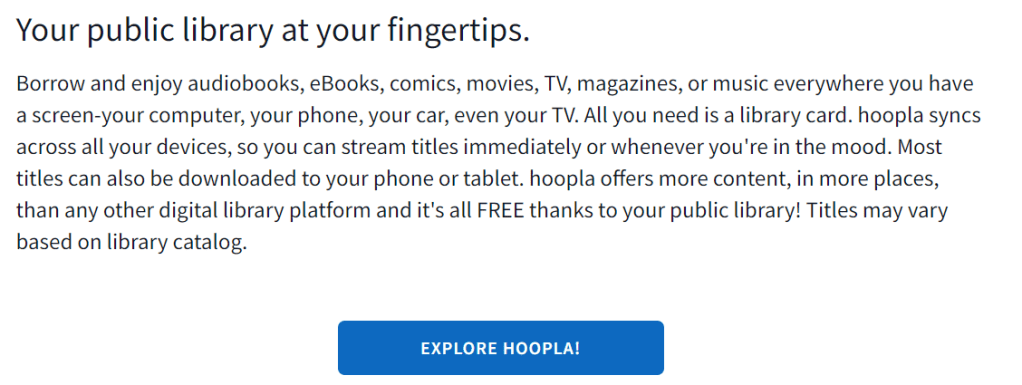
So what is it? Hoopla is a cloud-based digital media streaming web/phone app. It offers a large selection of movies, television shows, and even anime! All of these on top of books, audiobooks, and graphic novels. How cool is that.
Can everybody sign up?
Unfortunately, Hoopla is only open to US, Canadian residents, and a few other countries. You will need a library card from approved locations to sign up.
What if I live outside Hoopla-approved locations?
During pandemic, some libraries offered a remote sign up regardless of residency. Tons of bookworms, students, and just about anybody from anywhere in the world who cares about books were able to get their library cards! Sadly, most of these special sign up programs have now been discontinued. Nonetheless, this didn’t stop me from going through a little digging and finding about this two life-savers!
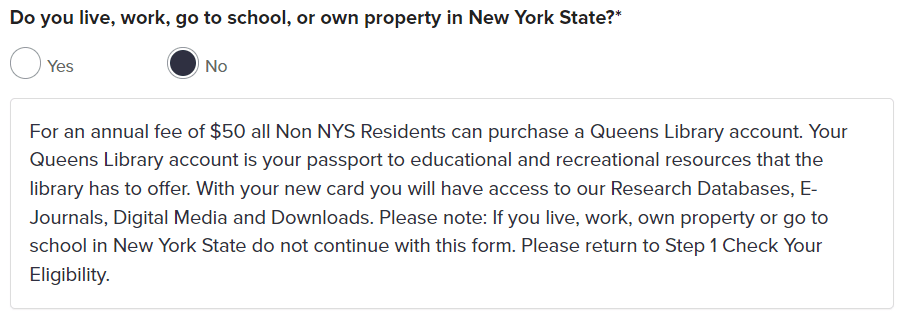
Queens Public Library at New York – 50$/year
Orange County Library System at Florida – 125/year + a trick question during application. The answer is Orange!
I have only been using Hoopla for a month, and if there’s one thing Hoopla can offer that Libby can’t, it’s the audiovisual materials like movies, television shows, and music. With Libby, we only get digital books, audiobooks, and magazines. Hoopla, on the other hand includes a pretty decent selection of movies. Although you have to be mindful because they have a limit of materials per month. In my case, our library limits us to 10. This means that if I borrowed 9 movies, I will only be allowed one more material for the current month. It doesn’t reset even if I return the 9 movies that I previously borrowed. The limit resets per month and not based on returns.
Do I need a Hoopla Tablet?
No, you don’t. Unlike Kindle or Kobo there is no Hoopla device. Similar to Libby, you can use pretty much any device with recent software like tablets, phone, or laptop. You will only need to download the app, or use your browser to use Hoopla.
How much is Hoopla?
It’s free! You will only need a valid library card from Hoopla-approved locations.





Leave a Reply